Lab 4.3: Runtime fields
Objective:
In this lab, you will learn how to write Painless scripts. You will also define runtime fields.
-
One way you can use Painless is in a script query. Run the following
scriptquery, which is really just a "match all" query:GET blogs_fixed2/_search { "query": { "bool": { "filter": [ { "script": { "script": """ return true; """ } } ] } } } -
Now write a
scriptquery that returns allblogswhere theurlof the blog is greater than or equal to 100 characters. Use thelength()function of thevalueof theurlfield to determine the number of characters. You should get 37 hits.Solution
GET blogs_fixed2/_search { "query": { "bool": { "filter": [ { "script": { "script": """ return doc['url'].value.length() >= 100; """ } } ] } } } -
Write a
scriptquery that returns allblogswhere theauthors.last_namefield starts with the letter "K". There are multiple ways to write this code, but you can use thestartsWith()function. You should get 433 hits. HINT: Theauthorsfield is an array, you need to iterate through all the elements.Solution
There are certainly different ways to write this query, but here is a solution:
GET blogs_fixed2/_search { "_source": "authors", "query": { "bool": { "filter": [ { "script": { "script": """ def authors = doc["authors.last_name"]; for (int i = 0; i < authors.size(); i++) { if (authors.get(i).startsWith("K")) { return true; } } return false; """ } } ] } } } -
Write a
scriptquery that returnsblogswhere the number ofproductvalues in thetagsobject contains at least 3 values. You should get 616 hits.Solution
GET blogs_fixed2/_search { "query": { "bool": { "filter": [ { "script": { "script": """ return doc['tags.product'].size() >= 3; """ } } ] } } } -
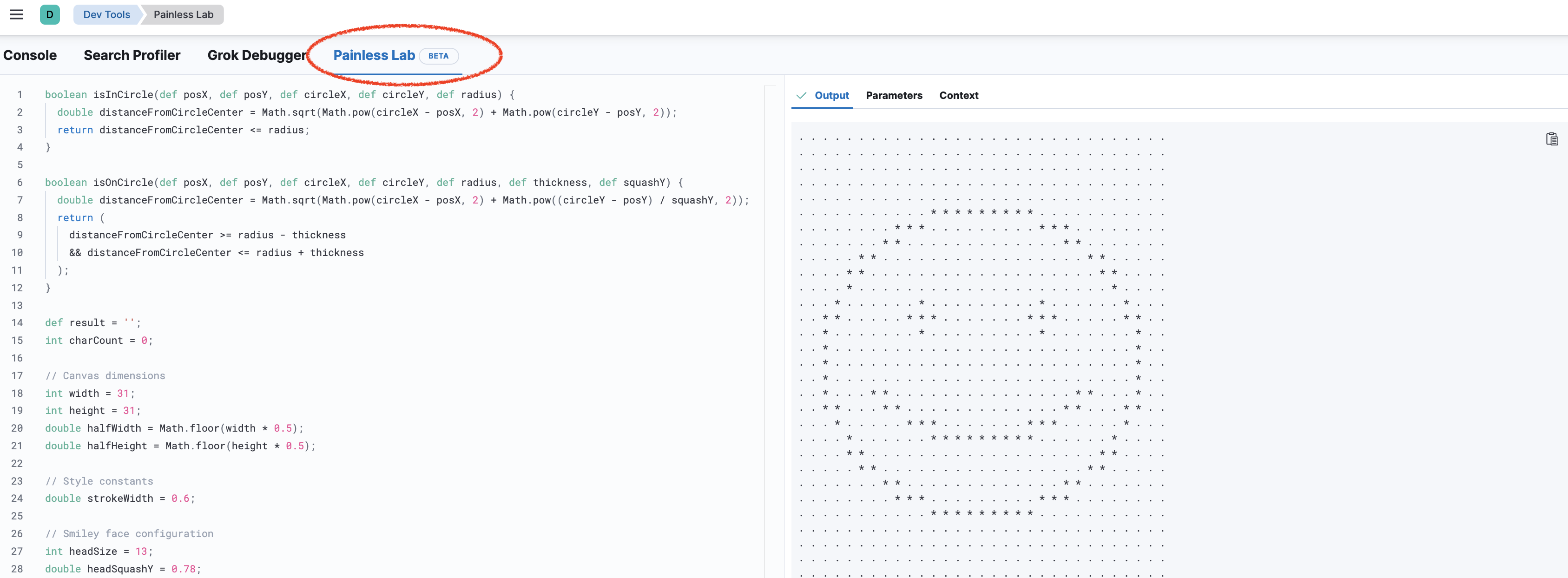
OPTIONAL: If you want more practice with Painless take a look at the Painless Lab. Go to the Painless Lab in Dev Tools:
-
OPTIONAL: Play with the sample code by replacing all the asterisks
*in the smiley with zeros0and replace the dots.with ones1.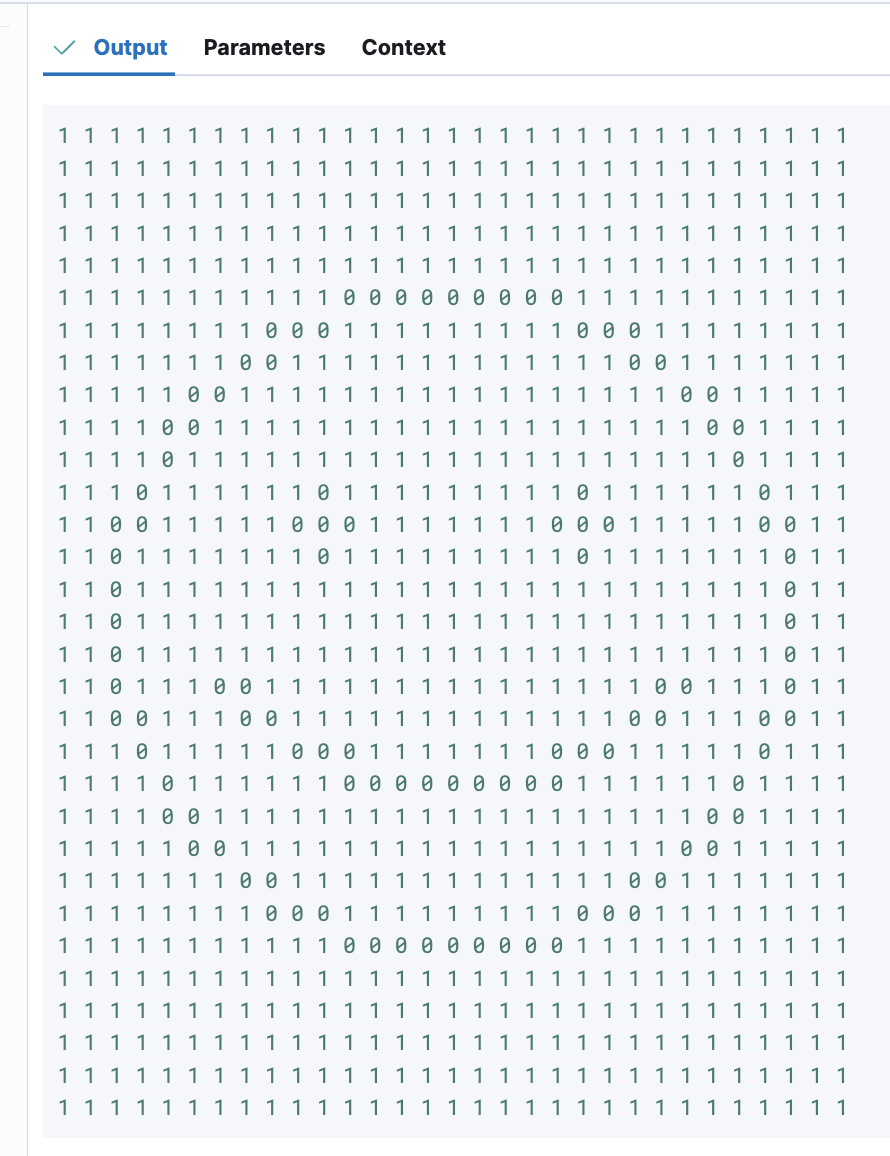
-
Suppose you want to determine which day of the week had the most blog postings. Currently, we do not have which day of the week a blog was posted - only the
publish_datefield in an ISO date format. If this is not an aggregation we will run often, we can use a runtime field to do the calculation. Run a search onblogs_fixed2that satisfies the following requirements:- define a
runtime_mappingsnamedday_of_weekof typekeyword - use the following Painless code to calculate the day of the week from the
publish_datefield:doc['publish_date'].value.dayOfWeekEnum.getDisplayName(TextStyle.FULL, Locale.ROOT) - contains a
termsaggregation on theday_of_weekfield
You should see that Wednesday is the most popular day to publish a blog, followed closely by Tuesday.
Solution
GET blogs_fixed2/_search { "size": 0, "runtime_mappings": { "day_of_week": { "type": "keyword", "script": { "source": "emit(doc['publish_date'].value.dayOfWeekEnum.getDisplayName(TextStyle.FULL, Locale.ROOT))" } } }, "aggs": { "top_days": { "terms": { "field": "day_of_week" } } } } - define a
-
Another handy use of runtime fields is to temporarily access a field that was disabled during indexing. (No Painless is required here!) To see the issue, try running the following aggregation. Notice there are no results, because the
authors.uidfield is not indexed:GET blogs_fixed2/_search { "size": 0, "aggs": { "top_uids": { "terms": { "field": "authors.uid" } } } } -
Using runtime fields, you can temporarily index an existing field by simply referring to that field in the
runtime_mappingssection. Run the following search, which causes theauthors.uidfield to be indexed as akeywordjust for the execution of this search request:GET blogs_fixed2/_search { "size": 0, "runtime_mappings": { "authors.uid": { "type": "keyword" } }, "aggs": { "top_uids": { "terms": { "field": "authors.uid" } } } } -
You can use runtime fields to change the mapping of a field just for a specific search request. For example, the
authors.full_namefield is currentlytext, but you can still search it as akeywordfield. Write a search onblogsthat queries theauthors.full_namefield as akeywordfield for the value "Jongmin Kim".Solution
Try running the same query without the runtime mapping to see the difference.GET blogs_fixed2/_search { "runtime_mappings": { "authors.full_name": { "type": "keyword" } }, "query": { "match": { "authors.full_name": "Jongmin Kim" } } }
Summary:
In this lab, you wrote some Painless code within script queries. You also saw how to optimize Elasticsearch for more efficient storage using runtime fields.